Livestreaming Your Wedding for Family Abroad: Options, Costs and Who Sets It Up
Most Irish weddings have someone who can't be there. A grandmother who can't manage the journey, a brother in Sydney, a friend on a ward. Livestreaming started as an emergency measure in 2020 and stayed because it solved that problem, and the options have settled down since. There are four ways to do it, they cost between nothing and a good deal, and the thing that decides whether it works is almost never the camera. It's the signal and the sound.
Option 1: A phone on a tripod
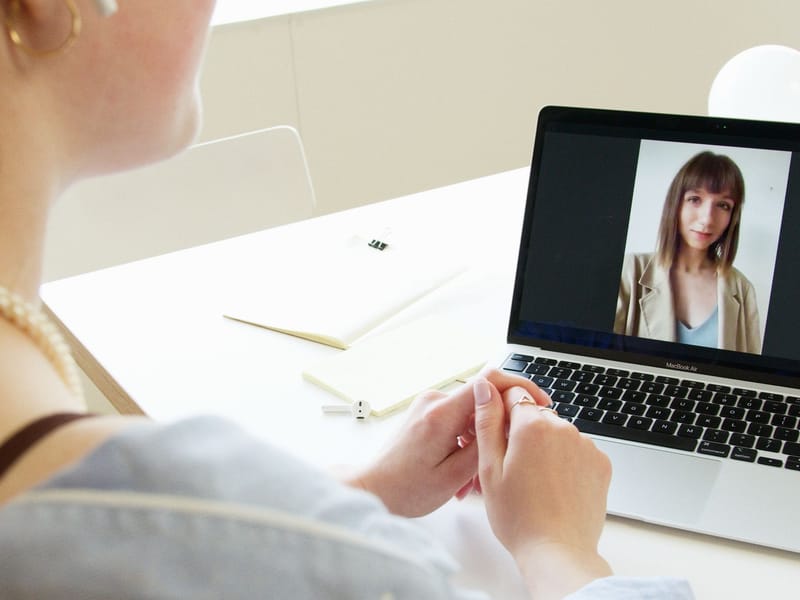
Free, and better than nothing. A guest sets a phone on a small tripod at the end of a pew, starts a private stream (a private YouTube link, a Facebook group, or a video call on WhatsApp or Zoom), and relatives watch on a link you sent them that morning.
What goes wrong, in order of likelihood:
- No signal. Stone churches and rural venues kill mobile data. Test it in the actual building, at the actual pew, before the day.
- No sound. A phone at the back hears the organ and the coughs. The vows are a murmur. This is the single most common complaint from relatives watching at home.
- The battery. A 40-minute stream on a cold morning will finish a half-charged phone. Plug it in or bring a power bank.
- Nobody to mind it. The guest who started it is watching the ceremony, not the phone. Choose someone who doesn't mind missing a bit.
Good for: a short civil ceremony, a venue with strong Wi-Fi, and relatives who'll forgive the sound.
Option 2: Your videographer's add-on
Many Irish videographers now offer a livestream as an add-on to their package, and it's the most reliable of the affordable options because they're already solving the hard parts. They have a camera on the ceremony anyway, they have lapel microphones on the couple and the celebrant, and they've thought about where the signal is. The stream carries the proper camera picture and the mic audio, on a private link you send to whoever you like.
For a sense of the cost, The Vow by Emily & James offer a livestream as an add-on for €200. Prices vary between studios, and a few include it in their higher packages, so ask when you enquire. The things to check:
- Is the audio from their microphones, or from the camera? (It should be the mics.)
- Do they bring their own connection, for example a 5G hotspot, or rely on the venue's Wi-Fi?
- Is the stream private, and is a recording of it kept?
- Does it cover the ceremony only, or the speeches too?
Our guide to what you get from your videographer covers the rest of what's in a package, and the audio guide explains why the microphones matter so much here.
Option 3: The church's own webcam
A lot of Irish parishes installed webcams years ago to stream Mass, and they still work. If you're marrying in a church, ask the sacristan or the parish office whether the church is on one of the parish streaming services, and whether your ceremony can be streamed. Often it can, sometimes for a small donation, and the camera is already mounted with a view of the altar.
The limits: the picture is a fixed wide shot, the audio is whatever the church's PA picks up, and the stream may be public on the parish's page rather than private. For relatives who just want to see it happen, it's often enough.
Option 4: A streaming company
Dedicated event-streaming companies bring a camera operator, a switcher, their own connection and a produced stream with titles and multiple angles. It's the best picture and the most robust, and it costs accordingly, usually a good deal more than a videographer's add-on. Worth it if a large number of people abroad are watching, or if the stream is the main record of the day for a family who couldn't travel at all.
Getting the basics right, whichever you choose
- Test the connection in the building. Not outside. Not at the hotel. In the church, at the spot the camera will be, at roughly the time of day. If there's no signal, a 5G hotspot from a different network sometimes works where a phone doesn't.
- Sort the sound first. If the relatives can't hear the vows, the stream has failed, however good the picture. A lapel mic on the couple or a feed from the PA is the answer; a phone across the room isn't.
- Send the link the day before, with the start time in the viewer's time zone and a line on how to join. Sydney is eleven hours ahead of Dublin in June; a 2pm ceremony is 1am there, and someone will stay up for it.
- Keep it private. A private link or a closed group. Tell guests at home not to share it on.
- Ask the celebrant. Priests, registrars and Humanist celebrants are used to it now, but some have their own rules about cameras, and registrars conducting civil ceremonies may need the request in advance.
- Record it. A stream that was recorded can be sent to the relative who fell asleep, and it fills the gap until the wedding film arrives weeks later.
What a stream can't do
It isn't the wedding film. A stream is a single angle, live, with no editing and whatever light the room had. The film is made from several cameras over months. If a relative abroad is the reason you're considering video at all, the stream is for the day and the film is for after it, and our guide to elopements and small weddings covers the version of this where most of the family is watching from a distance.
For the rest of the ceremony's timing, including where the stream sits in the morning, see the wedding day timeline.